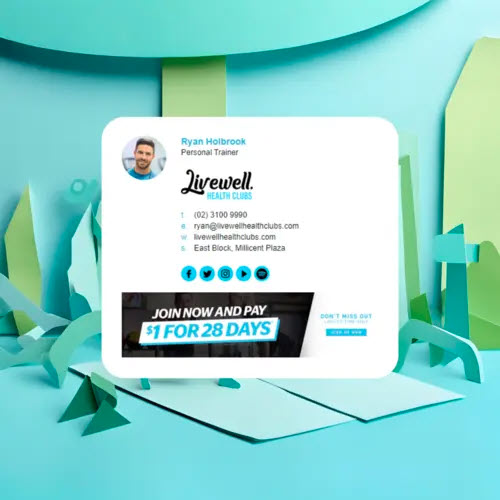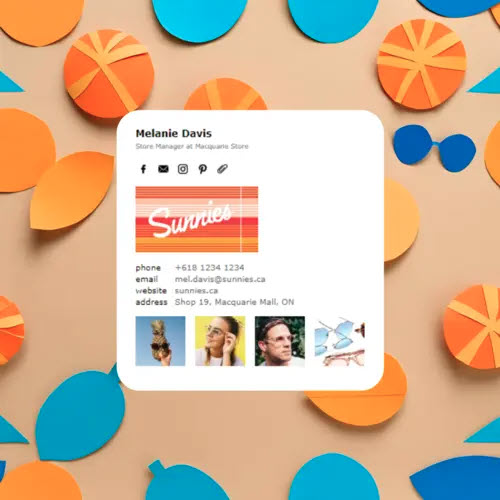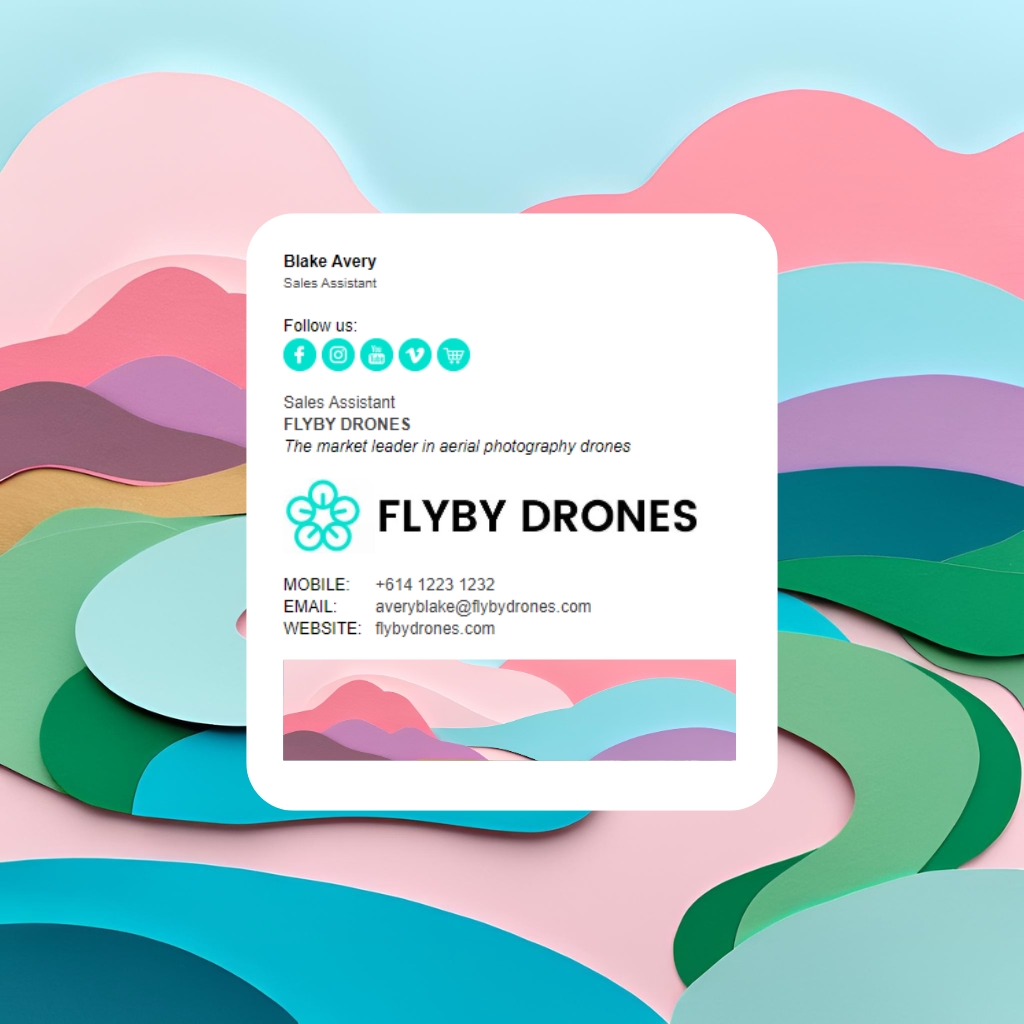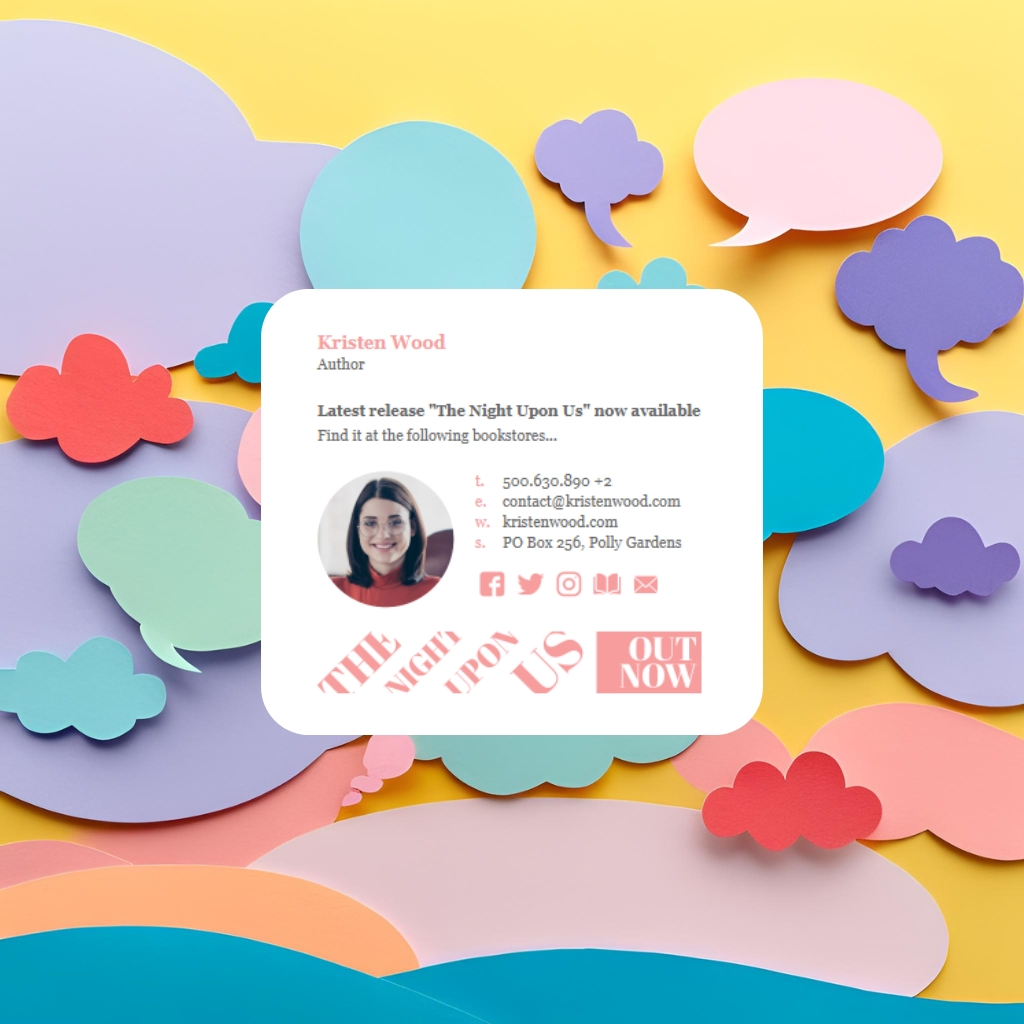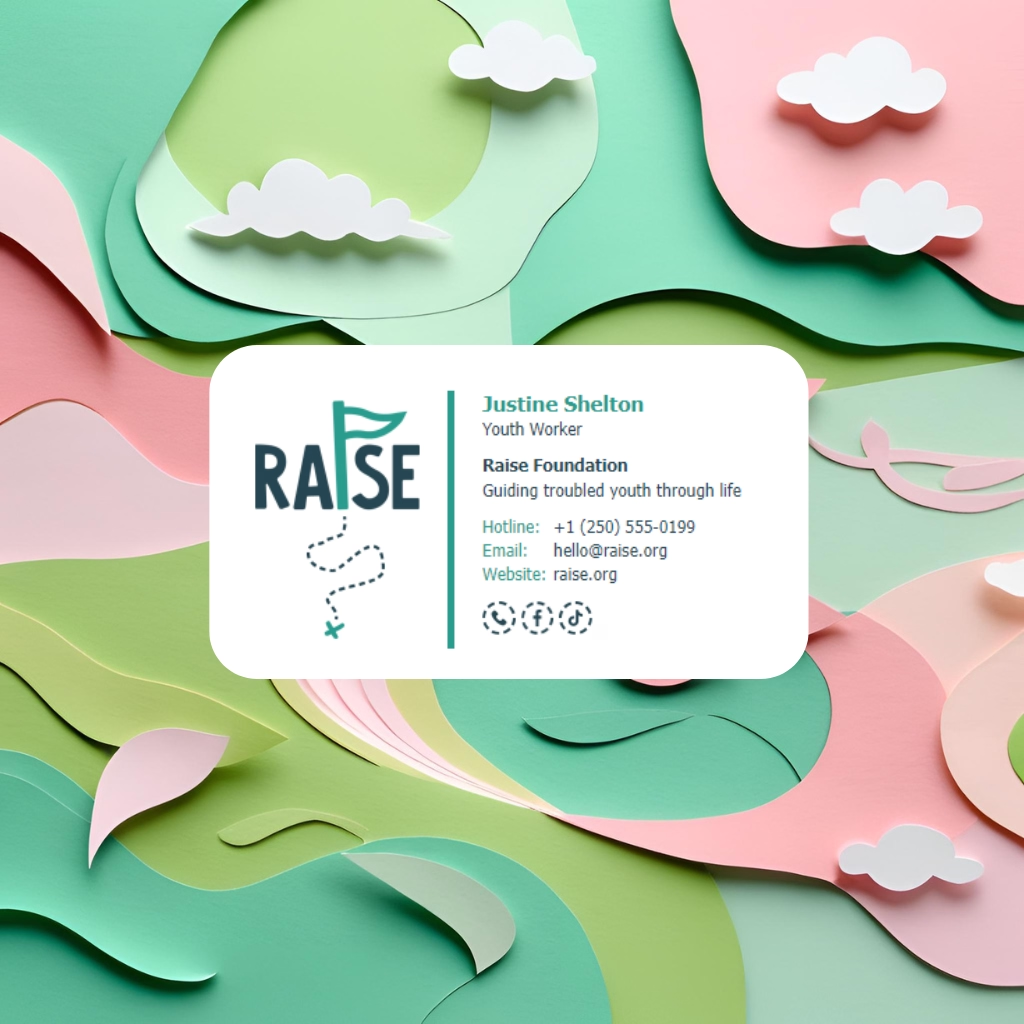
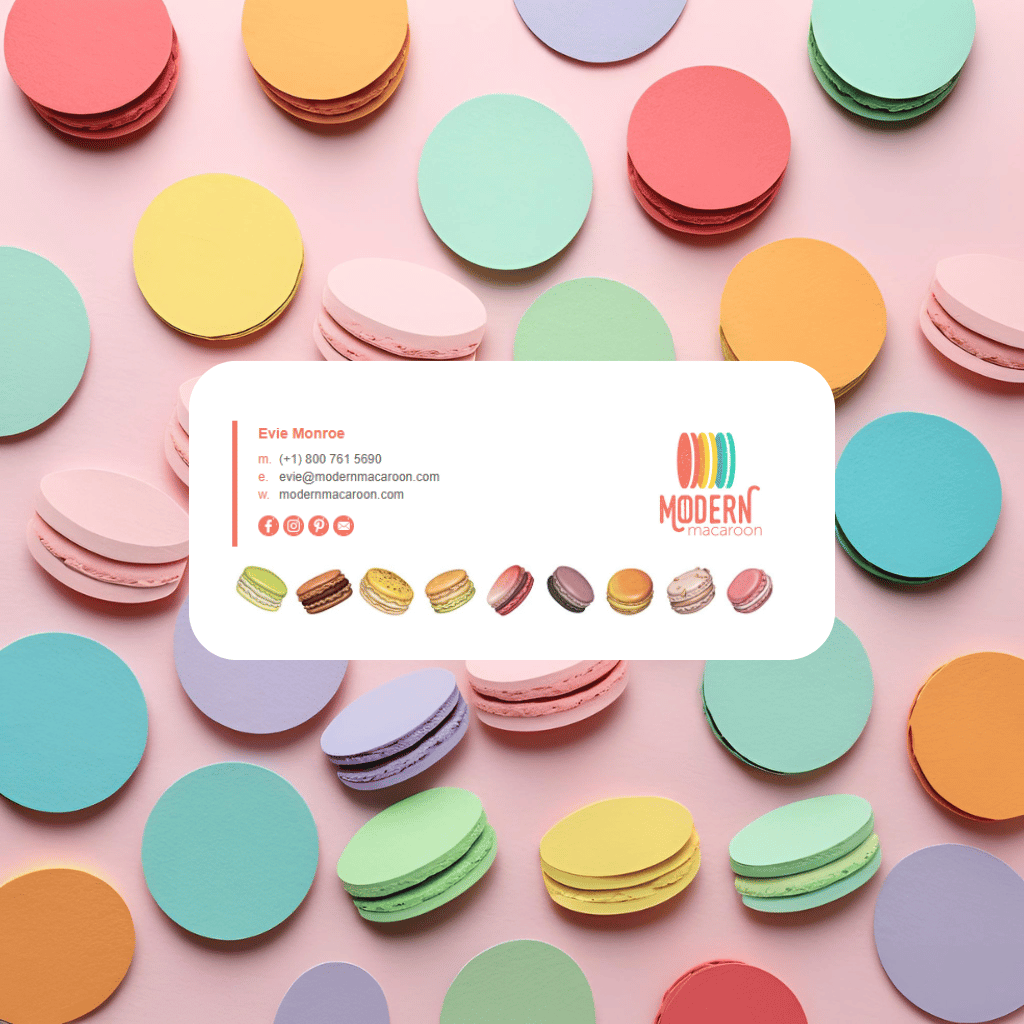
How to personalize your HTML email signature so it looks customized to your own business or brand

Create Your Signature
How to personalize your HTML email signature so it looks customized to your own business or brand

If your email signature looks “generic,” you’re missing an easy chance to show off your brand personality every single time you send an email.

Here’s how to turn a basic HTML email signature into something that looks uniquely you - with concrete ideas, example elements, and tips to keep everything email-safe.

1. Start with your brand basics

Before you add cute design flourishes, lock in the core brand elements:

Logo

  • Use a horizontal logo where possible (they fit better in signatures than tall logos).
  • Keep the image width around 200–300px so it’s clear but not huge.
  • Save as PNG for crisp edges, especially if you have icons or script text.

Colors

Pick 1–2 key brand colors and one neutral:

  • Use your primary brand color for:
    • Your name or job title
    • Section dividers or lines
    • CTA buttons (e.g. “Book an Appointment”)
  • Use a secondary color sparingly:
    • Accent icons (like social media)
    • Tiny decorative elements or highlights

Too many colors = messy. Two strong brand colors used consistently = polished.

Fonts

Email clients are fussy, so stick to web-safe fonts:

  • Sans-serif: Arial, Verdana, Tahoma
  • Serif: Georgia, Times New Roman

Use a hierarchy:

  • Name: 16–18px, bold
  • Job title: 13–14px, regular or italic
  • Contact details: 12–13px

2. Add “you” - personal identity and credibility

Make it clear that there’s a real human behind your emails.

Headshot (optional but powerful)

  • Use a small, friendly headshot (around 80–120px).
  • Keep it simple: neutral background, good lighting, no heavy filters.
  • Round or slightly rounded corners can soften the look.

Role + specialties

Instead of just “Owner” or “Director,” try:

  • “Senior Stylist – Blondes & Balayage Specialist”
  • “Property Manager | Residential & Commercial”
  • “Senior Lawyer – Family & Estate Law”

This instantly personalizes your role for your business and niche.

Credentials & trust signals

Add 1–3 maximum:

  • Certifications (CPA, RN, JD)
  • Awards (“2024 Local Business Award – Gold”)
  • Memberships (REIA, Law Society, etc.)

Keep these on a separate line or in a small sub-row so they’re easy to scan.

3. Use custom decorative elements that match your business

This is where it starts feeling truly custom. Think small and purposeful.

Decorative icons & mini-graphics

Instead of generic lines and dots, use mini-icons that relate to your industry. For example:

  • Hairdresser / Barber
    • Scissors icon as a divider between name and contact info
    • A thin line ending with a tiny comb or hairdryer symbol
    • “Book now” button with a subtle scissors icon on the left
  • Real Estate Agent
    • Tiny house or key icon near your name or tagline
    • Row of 3 dots where the center one is a house icon
    • A thin line with a little location pin at the end
  • Lawyer / Legal Firm
    • Small scales of justice icon
    • Thin line divider with a subtle column/pillar icon
    • A refined monogram (e.g. “MW” for Martin & White)
  • Health & Wellness / Clinic
    • Leaf, heart, or cross icon
    • Soft, rounded line with a small icon at the center
    • Mini “patient first” badge icon
  • Creative / Designer / Agency
    • Pencil, brush, cursor, or star icon
    • Abstract shapes (circles, dots, lines) in brand colors
    • Small “Made with ✶” style accent under the banner

These should be small PNGs, placed in <img> tags, sitting inside simple HTML tables so they display reliably.
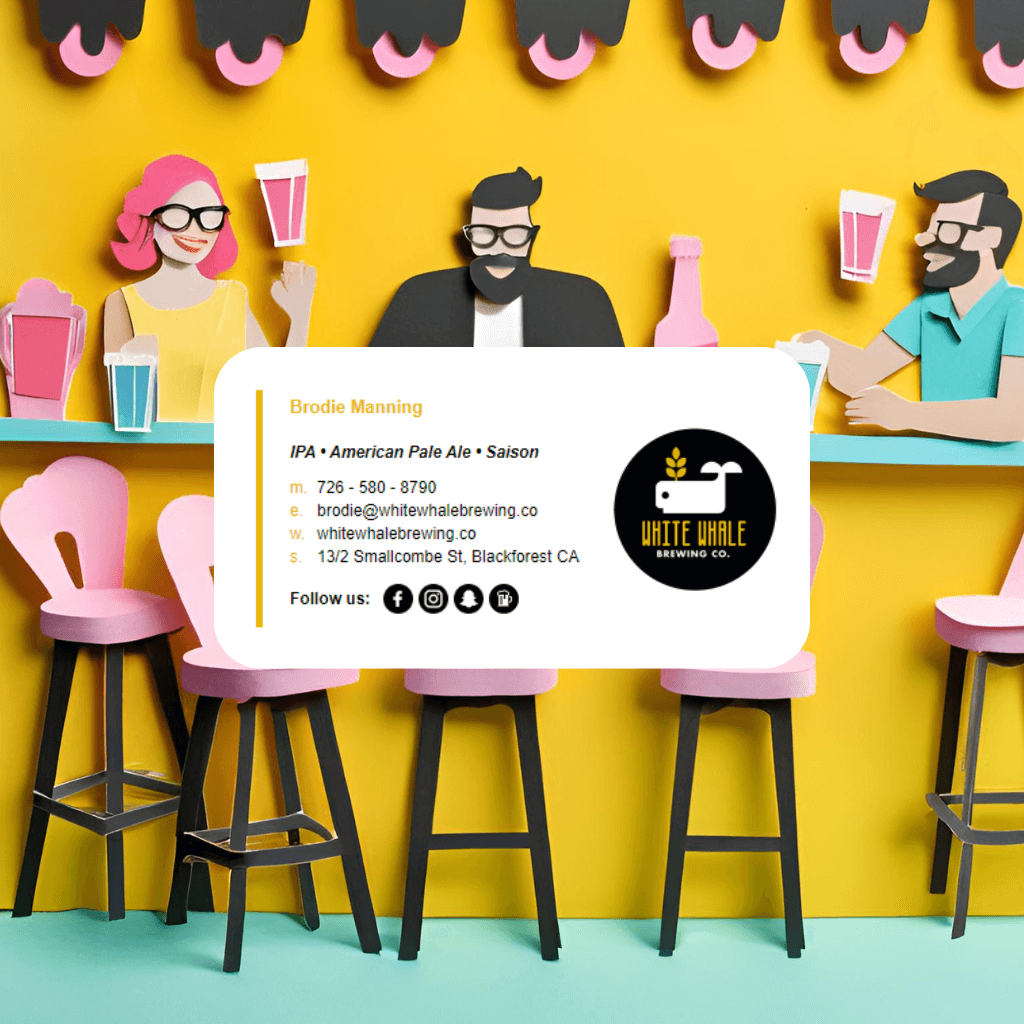
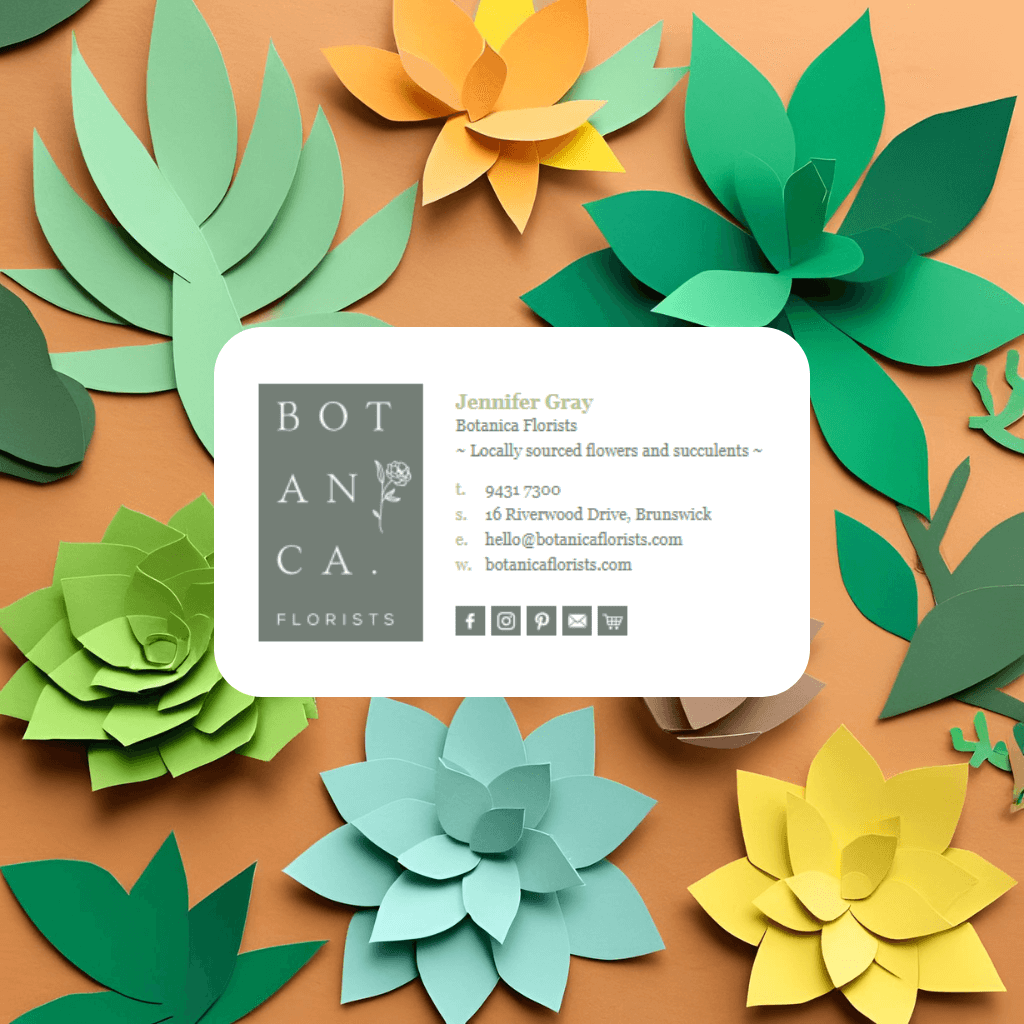
How to personalize your HTML email signature so it looks customized to your own business or brand
No items found.

4. Add business-specific blocks that feel tailor-made

Think of your signature like a tiny landing page. What’s the main action you want people to take?

Call-to-action section

Add a simple, email-safe CTA:

  • Hairdresser:
    “Book your next appointment”
    Button-style: [ Book Online ]
  • Real estate agent:
    “View current listings”
    Button-style: [ See Properties ]
  • Consultant / Lawyer:
    “Schedule a consultation”
    Button-style: [ Book a Call ]
  • Ecommerce / Retail:
    “Shop the latest collection”
    Button-style: [ Shop Now ]

You can build a button with nested tables and background colors (no CSS gradients, no fancy effects). Keep the text size readable and the padding generous.

Mini banner

Above the disclaimer or at the bottom, add a small banner strip that’s unique to you:

Ideas:

  • Seasonal promo (“Holiday appointments filling fast – book now”)
  • Tagline (“Hair that looks good every day, not just salon day”)
  • Signature promise (“Fixed-fee conveyancing with no surprises”)

Make sure the banner:

  • Is not too tall (80–150px high)
  • Uses your brand colors and a short message
  • Doesn’t rely purely on text in an image (add alt text and optional live text too)

5. Tailor your details to how you work

Two businesses in the same industry can still look completely different just by their content choices.

Pick the right contact stack

You don’t have to include everything. Choose what matches how you actually work:

  • Hairdresser working mostly on mobile bookings
    • Phone / SMS number
    • Booking link
    • Instagram & TikTok
    • Physical salon address
  • B2B consultant
    • Direct email
    • Office phone / mobile
    • Website
    • LinkedIn
  • Clinic
    • Main reception phone
    • Booking portal link
    • Address
    • Google Maps link

Remove fields that you don’t use—an uncluttered signature looks more custom and intentional.

6. Style your social media in a unique way

Everyone throws generic blue social icons in a row. You can do better by:

  • Using brand-colored icons instead of standard platform colors.
  • Adding labels under icons for clarity:
    • [Icon] Instagram
    • [Icon] Booking
    • [Icon] Reviews
  • Creating a custom icon:
    • Hairdresser: scissors icon linked to your “Lookbook” page
    • Real estate: tiny house icon linking to testimonials
    • Designer: pencil or palette icon linking to portfolio

Keep icons around 20–28px so they’re readable but not overpowering.

7. Keep it email-safe: HTML + tables, not fancy CSS

Because this is an HTML email signature, you want it to work in Outlook, Gmail, Apple Mail, iOS, Android, and all the weird desktop clients.

Best practices:

  • Use tables for layout, not divs or flexbox.
  • Use inline CSS (e.g. style="font-size:14px; color:#333333;" directly on elements).
  • Avoid:
    • Background images
    • Web fonts that need external loading
    • Complex hover effects
  • Keep images small in file size (under ~100KB each where possible).
  • Always add alt text to images (e.g. alt="Scissors icon").

Your signature should degrade gracefully: if images are blocked, the text still makes sense.

No items found.
Email Signature Template 1
Email Signature Template 2
100+ Professional Templates

Stand Out with Beautiful Email Signatures

Create professional email signatures that make a lasting impression. Easy to customize, easy to install in Gmail, Outlook, Apple Mail + 60 more email clients, apps and CRM.

Find Your Email Signature

8. Example personalization ideas by profession

Here are some ready-to-steal concepts:

Hairdresser / Barber

  • Scissors icon between name and title:
    • "Brianna Browne ✂ Senior Stylist”
  • Thin colored line with scissors icon centered
  • CTA: “Book your next cut online” button
  • Mini banner: “Balayage, blondes & lived-in color specialists”

Real Estate Agent

  • Name with small house icon:
    • “Jordan Lee 🏠 Sales Consultant”
  • Tiny key icon before phone number
  • CTA: “View my latest listings”
  • Mini banner: “Thinking of selling? Get a free appraisal.”

Lawyer

  • Name with subtle scales icon:
    • “Sarah Wong ⚖ Principal Lawyer”
  • Trust row: “Accredited Specialist – Family Law | Member, Law Society”
  • CTA: “Schedule a free 15-minute consult”
  • Discreet legal disclaimer under a thin divider line

Wellness / Therapist

  • Leaf or heart line above contact info
  • Calm colors (soft greens, blues, neutrals)
  • CTA: “Book an appointment online”
  • Mini banner: “Supporting your mental health journey, one step at a time.”

9. Quick checklist: does your signature feel uniquely yours?

Run through this:

  • Does it clearly use your brand colors?
  • Is your logo present and sized nicely?
  • Does your role description reflect what you actually do?
  • Is there at least one small decorative element that screams “this is my industry” (like scissors, keys, scales, leaf, etc.)?
  • Is there a clear call-to-action that matches how you want people to interact with you?
  • Is the layout clean and easy to read?
  • Would someone instantly recognise your business if they saw only the signature?

If you can tick most of those, your HTML email signature isn’t just a block of text anymore—it’s a tiny, branded, custom mini-website that works harder for your business every time you hit send.

Personalizing your signature doesn’t have to be hard

Creating a custom HTML signature is one of the simplest ways to elevate your brand - yet designing one from scratch, keeping it email-safe, and ensuring it works across Outlook, Gmail, Apple Mail, iOS and more can be time-consuming.

That’s where SigStudio by Email Signature Rescue comes in.

SigStudio gives you the freedom to:

  • Build fully customizable HTML signatures using a visual editor or HTML mode
  • Add your own icons, decorative elements, headshots, banners, and brand colors
  • Manage signatures for your whole company with one-click updates
  • Upload unlimited images and keep stable URLs so every signature stays in sync
  • Choose from hundreds of professionally designed, email-safe templates
  • Create industry-specific designs for hair & beauty, real estate, legal, health, creative, and more

Whether you’re a solo business crafting a signature that feels uniquely “you,” or a company managing hundreds of users, SigStudio ensures your design looks stunning, consistent, and completely on-brand.

Make your signature as unique as your business.
Try SigStudio today and see how easy great design can be.

Amy Lockwood is the Co-Founder of Email Signature Rescue with over a decade of experience in HTML email signatures for 60+ email clients, apps and CRM software including Outlook, Gmail, Apple Mail. She is the Head Designer of the Email Signature Rescue apps and website.

📩 Need help with your HTML email signatures? Contact Amy at emailsignaturerescue.com.

Ready to transform your email signatures?

FLYBY Signature
AUTHOR Signature
RAISE Signature
See Templates
OUR AWESOME CLIENTS

We work with
the best clients

Join our community of satisfied clients who trust us to create, host, manage and deploy their HTML email signatures.

4.8
Trustpilot Rating
200k+
Users Rescued
30M+
Hours Saved
10+
Years in the Business
1.1M+
Images Hosted