Why Your Email Signature Logo Is Probably Too Big (And What to Do About It)

Need an email signature?
Why Your Email Signature Logo Is Probably Too Big (And What to Do About It)

There's a temptation that strikes almost everyone who sits down to design their email signature. You've got a beautiful logo, a polished headshot, maybe a slick product banner and the instinct is to show it off. Make it visible. After all, if someone's going to see your brand, why not make sure they really see it?

It's an understandable impulse. But if your images are wider than about 100px (banners aside), they're quietly working against you - in two pretty significant ways.

First: The Modern Aesthetic Problem

Cast an eye over the email signatures of leading design agencies, tech companies, and modern consultancies. What do you notice? They're minimal. Clean. Often just a small logo mark - tight, considered, and refined.

Contemporary signature design follows the same principles as good UI design: whitespace is your friend, restraint signals confidence, and clutter signals noise. A large image, say, a logo sitting at 250px wide, dominates the signature block visually. It competes with your name, your title, your contact details. Instead of supporting the message, it becomes the message.

Small logos (typically 60–100px wide) behave more like punctuation. They anchor the signature without shouting. They say this is professional without needing to say anything at all. Brands that understand this tend to feel more polished and trustworthy, not despite using a smaller image, but because of it.

A confident brand whispers. An insecure one shouts.
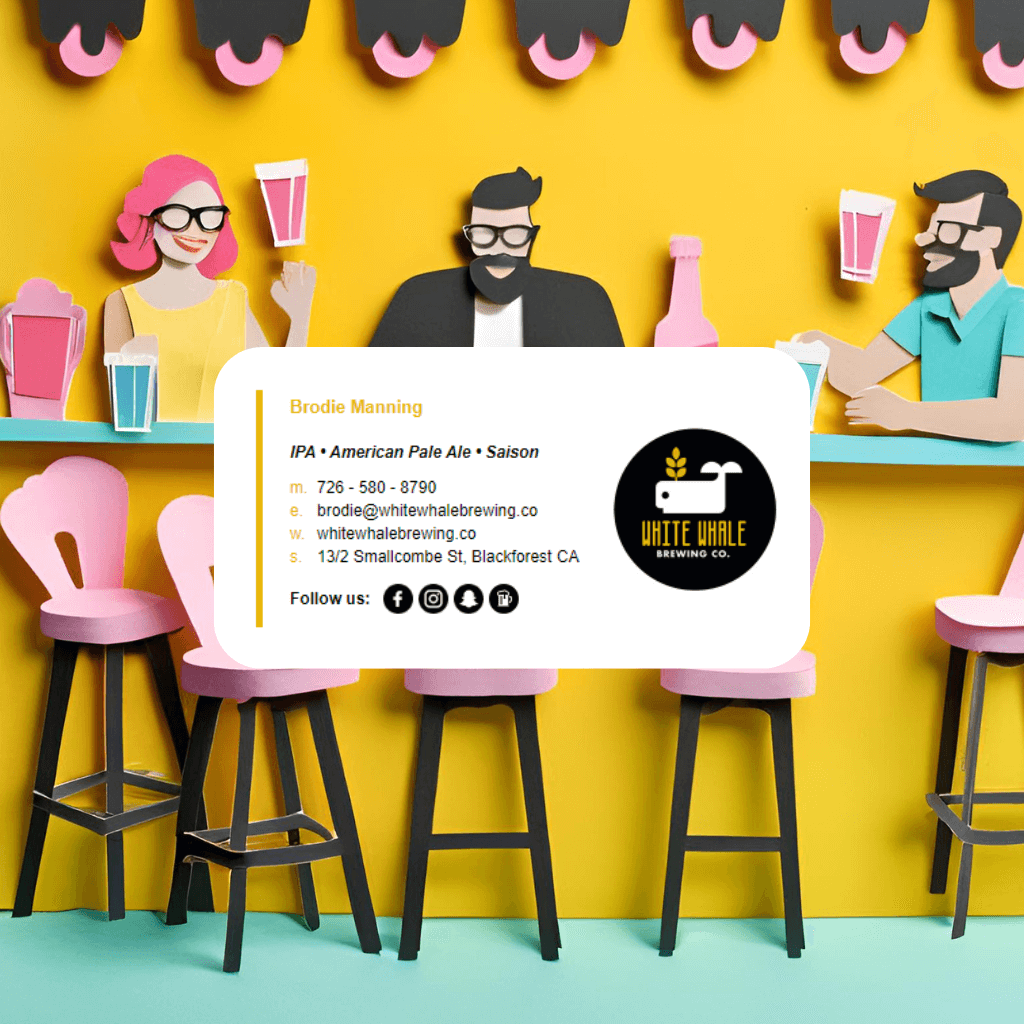
Why Your Email Signature Logo Is Probably Too Big (And What to Do About It)
No items found.

Second: The Mobile Rendering Problem (This One Really Matters)

Here's where large images stop being an aesthetic issue and become a functional one.

When a wide image sits alongside text in an email signature, your name and job title to the right of a logo, for example, email clients on mobile devices have to make a decision. The image is too wide for the screen. So something has to give. What usually gives is your text.

The result? Your carefully formatted name and contact details either get squashed into a narrow column, overflow off-screen, or render in a font so small it's effectively unreadable. The layout that looked great in your desktop email client becomes a jumbled mess on the iPhone of the person you're trying to impress.

Mobile now accounts for the majority of email opens. That means the primary context in which your signature is being read is a 375px-wide screen, and a 200px+ image is already using more than half of it before a single word of text appears.

Keeping images tight (under 100px wide for logos) gives the layout room to breathe on smaller screens. Text stays readable. The signature holds together. Everyone wins.

The Banner Exception

It's worth noting: promotional banners are a different beast entirely. A full-width banner sitting below your signature details, not inline with text, is generally fine. It's designed to be a standalone element, so there's no competing layout to break. The problems arise when large images sit within the signature layout itself, side-by-side with text content.

The Simple Fix

If you're reviewing your current signature, the checklist is short:

  • Logo/headshot: Aim for 60–100px wide, max
  • Any image sitting next to text: Keep it small enough that even at mobile widths, the text beside it isn't forced to scale down
  • Banners: Full-width is fine, but place them below the contact details block, not within it

Less really is more here. A smaller, crisper logo on a clean signature will always outperform a large one surrounded by cramped text — on any screen, in any inbox.

Your brand doesn't need more space. It just needs the right space.

No items found.
Email Signature Template 1
Email Signature Template 2
100+ Professional Templates

Stand Out with Beautiful Email Signatures

Create professional email signatures that make a lasting impression. Easy to customize, easy to install in Gmail, Outlook, Apple Mail + 60 more email clients, apps and CRM.

Find Your Email Signature

Amy Lockwood is the Co-Founder of Email Signature Rescue with over a decade of experience in HTML email signatures for 60+ email clients, apps and CRM software including Outlook, Gmail, Apple Mail. She is the Head Designer of the Email Signature Rescue apps and website.

📩 Need help with your HTML email signatures? Contact Amy at emailsignaturerescue.com.

Ready to transform your email signatures?

FLYBY Signature
AUTHOR Signature
RAISE Signature
See Templates
OUR AWESOME CLIENTS

We work with
the best clients

Join our community of satisfied clients who trust us to create, host, manage and deploy their HTML email signatures.

4.8
Trustpilot Rating
200k+
Users Rescued
30M+
Hours Saved
10+
Years in the Business
1.1M+
Images Hosted